 Featured Machines
 Travel CPAPs
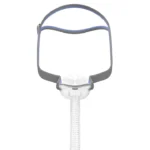 Most Popular Masks
 Tubes and Hoses
 Humidifier Chambers
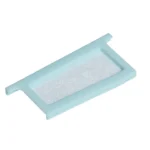 Machine Filters
 Power Cords
 Headgear
 Nasal Pillows
 Cushions and Seals


How to Keep Clean CPAP Filters for Better Sleep

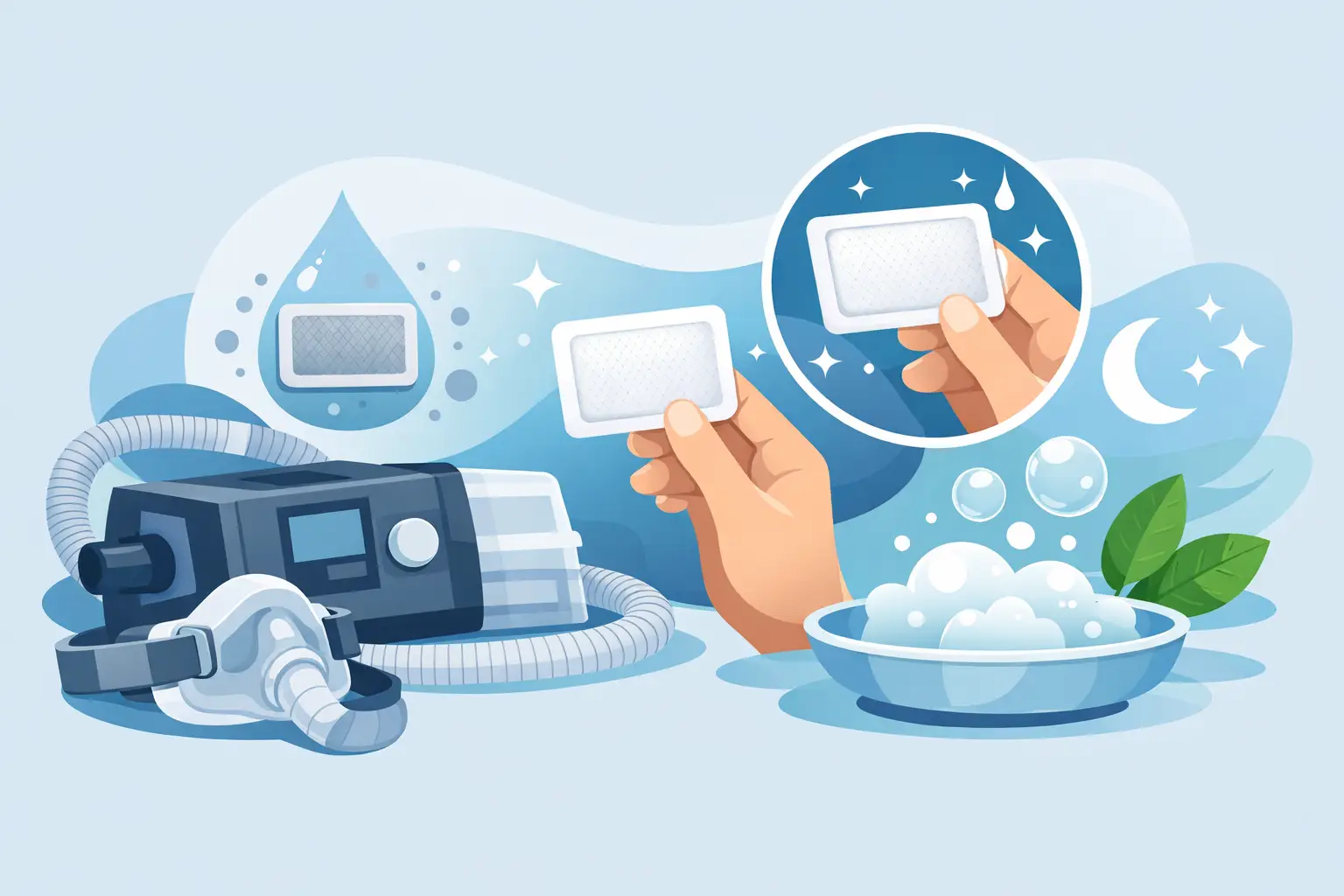
A filter is easy to overlook when your CPAP therapy is working well. Yet clean CPAP filters help keep dust, pet hair, and other airborne particles from collecting inside your machine while you sleep. A small, routine check can protect your equipment, support comfortable airflow, and make one part of your therapy feel simple and under control.
Why clean CPAP filters matter
Your CPAP machine draws in room air, pressurizes it, and sends it through the tubing and mask to help keep your airway open. The filter sits at the machine’s air intake and captures debris before it reaches the device. When that filter becomes clogged, airflow can be restricted and your machine may have to work harder than it should.
A dirty filter does not necessarily mean your therapy will suddenly stop working. But leaving one in place for too long can allow dust to build up around the air intake and inside the machine. For people with allergies, pets, or dusty homes, a neglected filter can also make the bedroom environment feel less comfortable.
Think of filter care as part of protecting the investment you have made in better sleep. It takes only a minute to inspect, and it fits naturally alongside cleaning your mask cushion, emptying your humidifier chamber, and checking your tubing.
First, know which type of CPAP filter you use
Not every CPAP filter is cleaned the same way. This detail matters because washing a disposable filter can damage its material and reduce its ability to capture particles.
Many current CPAP machines, including common ResMed devices, use disposable filters. These are typically small, white filters that are designed to be replaced, not washed. Some machines may also use disposable hypoallergenic filters, which provide additional filtration for fine particles. If your filter is disposable, the right approach is simple: inspect it regularly and replace it when it appears discolored, dusty, damaged, or blocked.
Some older CPAP models and certain devices use reusable foam filters. These may be rinsed according to the machine manufacturer’s instructions, then allowed to air-dry completely before being placed back in the device. Never install a damp filter. Moisture near the air intake can create avoidable problems for the machine.
If you are unsure what you have, check your device user guide or the filter compartment. A reusable foam filter often looks thicker and darker than a thin disposable paper-style filter. When in doubt, avoid washing it until you have confirmed that it is washable.
A quick rule to remember
Disposable filters are replaced. Reusable foam filters may be washed only when the manufacturer says they can be. Keeping the original machine instructions nearby is useful, especially when you begin a new therapy routine or switch devices.
How often should you check and replace filters?
Your home determines a lot of your filter schedule. A CPAP user in a home with two shedding pets, open windows, or frequent seasonal pollen may need to change filters more often than someone in a low-dust environment.
A good habit is to inspect the filter every one to two weeks. Hold it up in good light and look for gray or yellow discoloration, visible dust, pet hair, or any warping. If it looks dirty, replace it. Do not wait for it to become heavily clogged.
For many disposable filters, replacement about every 30 days is a practical baseline, though your machine’s instructions should always come first. In homes with pets, smoking exposure, heavy dust, wildfire smoke, or significant allergies, you may need a fresh filter every two weeks or sooner. A filter that looks clean after a month may still be due for replacement if the manufacturer recommends a set interval.
Reusable foam filters often need more frequent attention, sometimes weekly, because they are intended to be rinsed and reused. Again, the exact schedule depends on the specific device and your environment.
A simple routine for cleaner CPAP filter care
The easiest filter routine is one you can remember. Choose a regular time, such as the first Sunday of each month, to inspect your filter and other replacement supplies. Setting a phone reminder can help until the habit sticks.
Start by turning off and unplugging your CPAP machine. Open the filter cover or compartment at the air intake, then remove the existing filter gently. Take a moment to check the compartment for loose dust. If needed, wipe the exterior area with a clean, dry cloth. Do not spray cleaning products or let liquid enter the machine.
For a disposable filter, insert a new filter in the correct direction and make sure it sits flat in the compartment. Close the cover securely before using the machine again. Do not try to shake out, vacuum, or rinse a disposable filter. Those shortcuts can damage the fibers and may leave behind particles you cannot see.
For a manufacturer-approved reusable filter, rinse it with clean water as directed. Avoid harsh soaps, bleach, scented cleaners, or alcohol. Gently squeeze out excess water rather than twisting the foam, then let it dry fully on a clean towel away from direct heat. Only return it to the machine when it is completely dry.
Signs it is time for a new filter sooner
Your filter may need replacement before your usual schedule if you notice it is visibly gray, covered in dust, bent, torn, or no longer sitting properly in its frame. A new filter is also wise after unusual air-quality events, such as nearby construction dust or smoke entering the home.
Pay attention to the space around your CPAP machine as well. If the intake area appears dusty, that is a signal to clean the nightstand and inspect the filter. Keeping the machine on a stable, clear surface rather than on the floor can reduce the amount of debris pulled toward the air intake.
If you notice changes in therapy comfort, unusual machine noise, or an alert on the device, do not assume the filter is the only cause. Check the filter, mask seal, tubing connections, and humidifier chamber. If the issue continues, contact your equipment provider or care team for guidance.
Protect the air around your CPAP machine
Filter replacement works best alongside a few low-effort bedroom habits. Wash bedding regularly, dust the surface around the machine, and keep pets from sleeping directly beside the air intake when possible. Avoid using aerosols, perfume sprays, or smoke near your CPAP device. These products can leave residue and add particles to the air the machine draws in.
Travel can change your routine, too. A travel CPAP may encounter hotel dust, luggage debris, or different air conditions. Pack spare filters in a clean, dry pouch so you have a replacement available without searching for supplies away from home. This is especially helpful during longer trips or allergy season.
Keep replacement supplies within reach
Running out of filters is usually a planning problem, not a complicated therapy problem. Keeping a small supply at home means you can change a filter when it needs attention rather than extending its use for another week. Store unopened filters in a dry, clean place and keep them in their original packaging until needed.
If you are managing other CPAP supplies such as cushions, tubing, and humidifier chambers, consider grouping your replacement dates on one calendar. Sleep Restoration Center can help make ongoing equipment needs feel more manageable, whether you are starting therapy, renewing a prescription, or maintaining a machine you already rely on.
A fresh filter is a small act of care, but it supports the larger goal: a comfortable therapy routine that helps you breathe better and sleep deeper, night after night.